Interoperable QR
In Flow it is possible to pay and receive payments via Interoperable QR, a payment solution that generates a single QR code accepted by multiple digital wallets — Yape, Plin, BIM, Ligo and more.
Payment method conditions
- Service fees are available in the pricing section.
I am a merchant and I want to activate Interoperable QR on my Flow account
- If you don't have a Flow account yet, you must register in Flow. In that form you will be able to select the payment methods you wish to activate.
- If you already have a Flow account and want to add Interoperable QR to your payment methods, follow these steps:
- Log in to your Flow account.
- Go to the Payment methods menu.
- Click the Edit details button.
- Select the payment method(s) you wish to activate and choose the rate.
- Click the Save changes button.
- You will then receive an email with a security code that you must enter in your portal.
- Once you correctly enter the security code, the selected payment methods will be activated.
Online payment with Interoperable QR
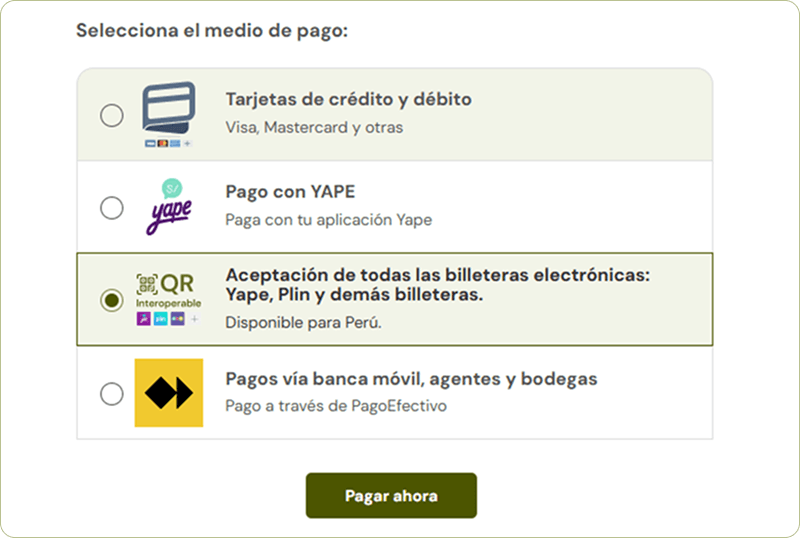
- Your customer selects the payment method — Chooses the digital wallets option (Yape, Plin and more) and clicks Pay now.
- A unique QR is generated — Your customer will see a QR code that they can scan with their favorite digital wallet (Yape, Plin, Bank wallets, Ligo, BIM, Sip, Bi Pay, and others).
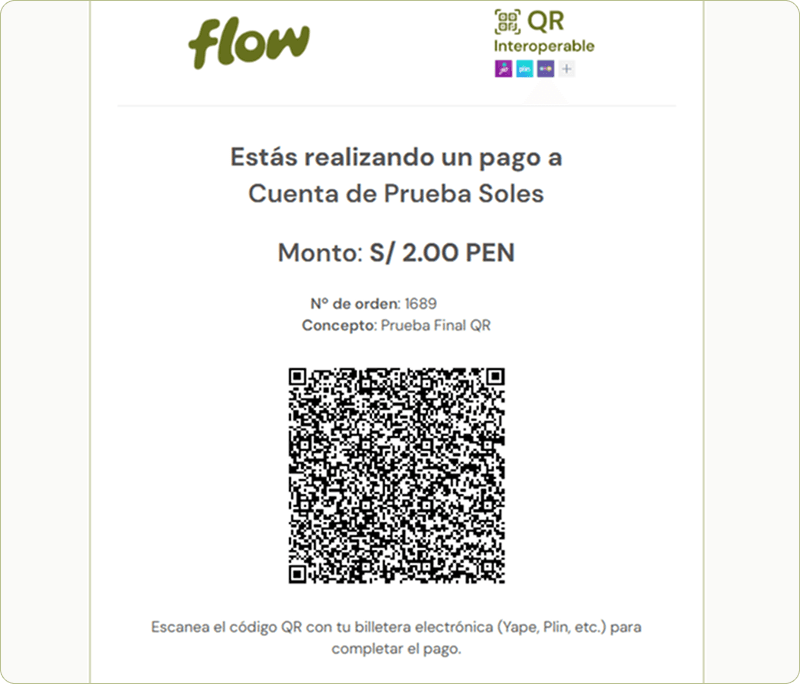
- Your customer confirms the payment — From their app they enter the amount and confirm the transaction.
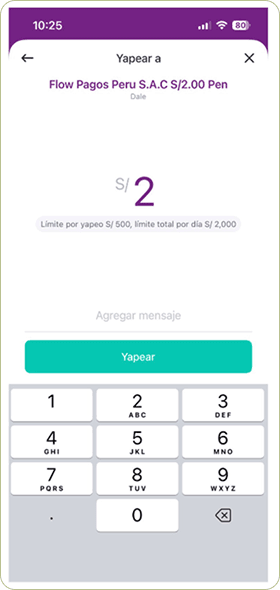
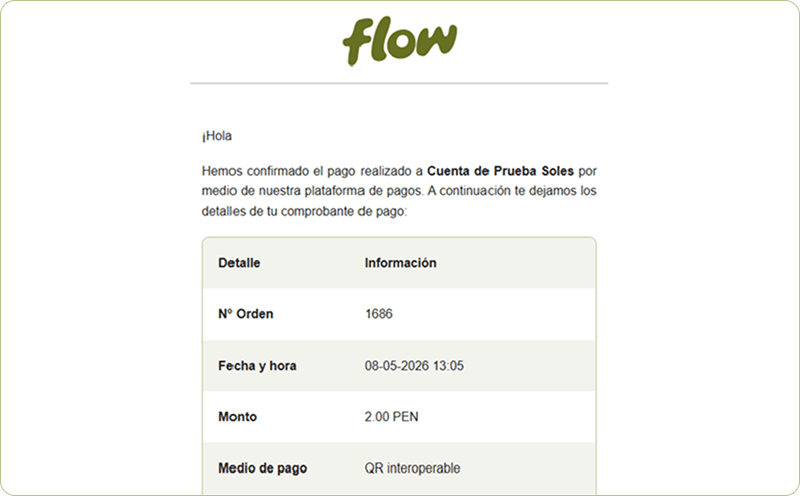
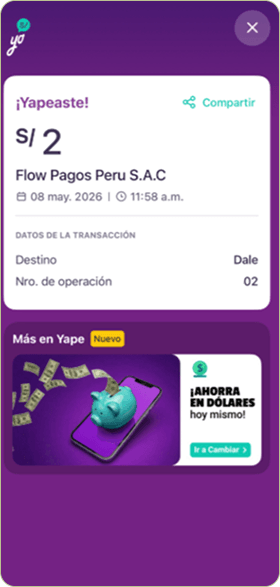
- Successful payment — Your customer receives an on-screen confirmation that the payment was completed successfully.
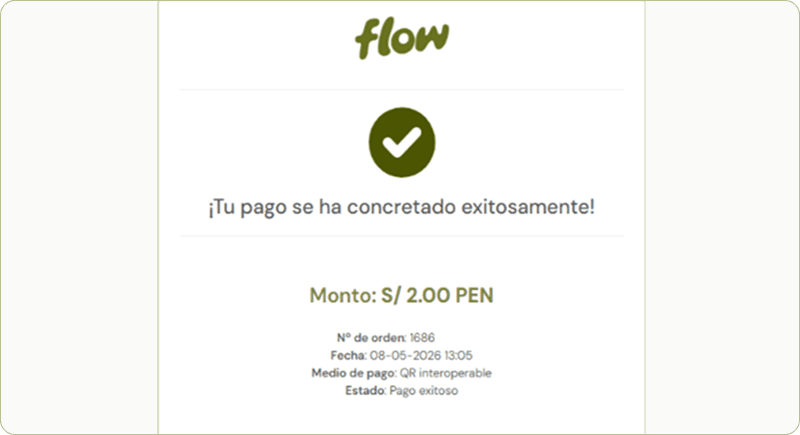
- Email confirmation — Your customer receives an email with the complete transaction details: order number, date, amount and payment method.